Trace Canvas GitHub ↗

Trace Canvas

A map both people and agents can read人和 agent 都看得懂的地图

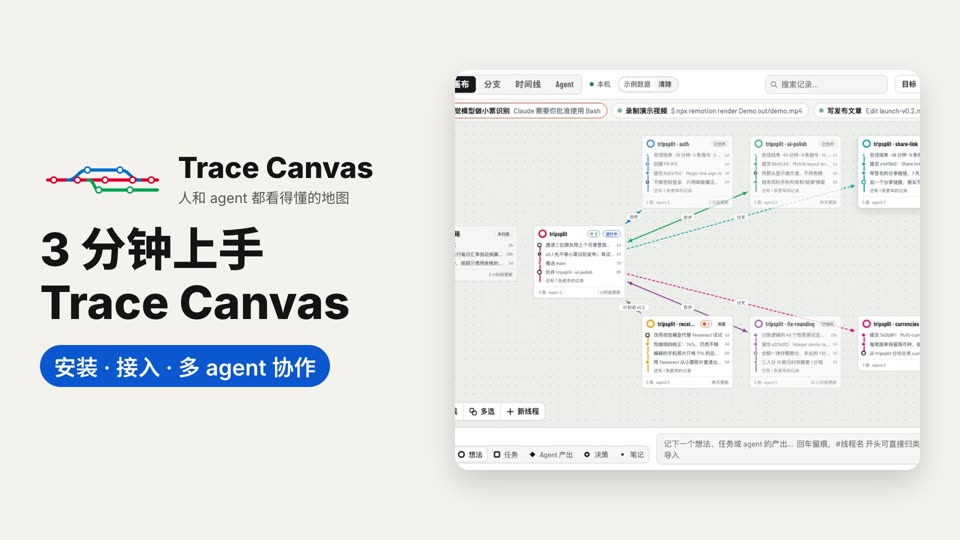
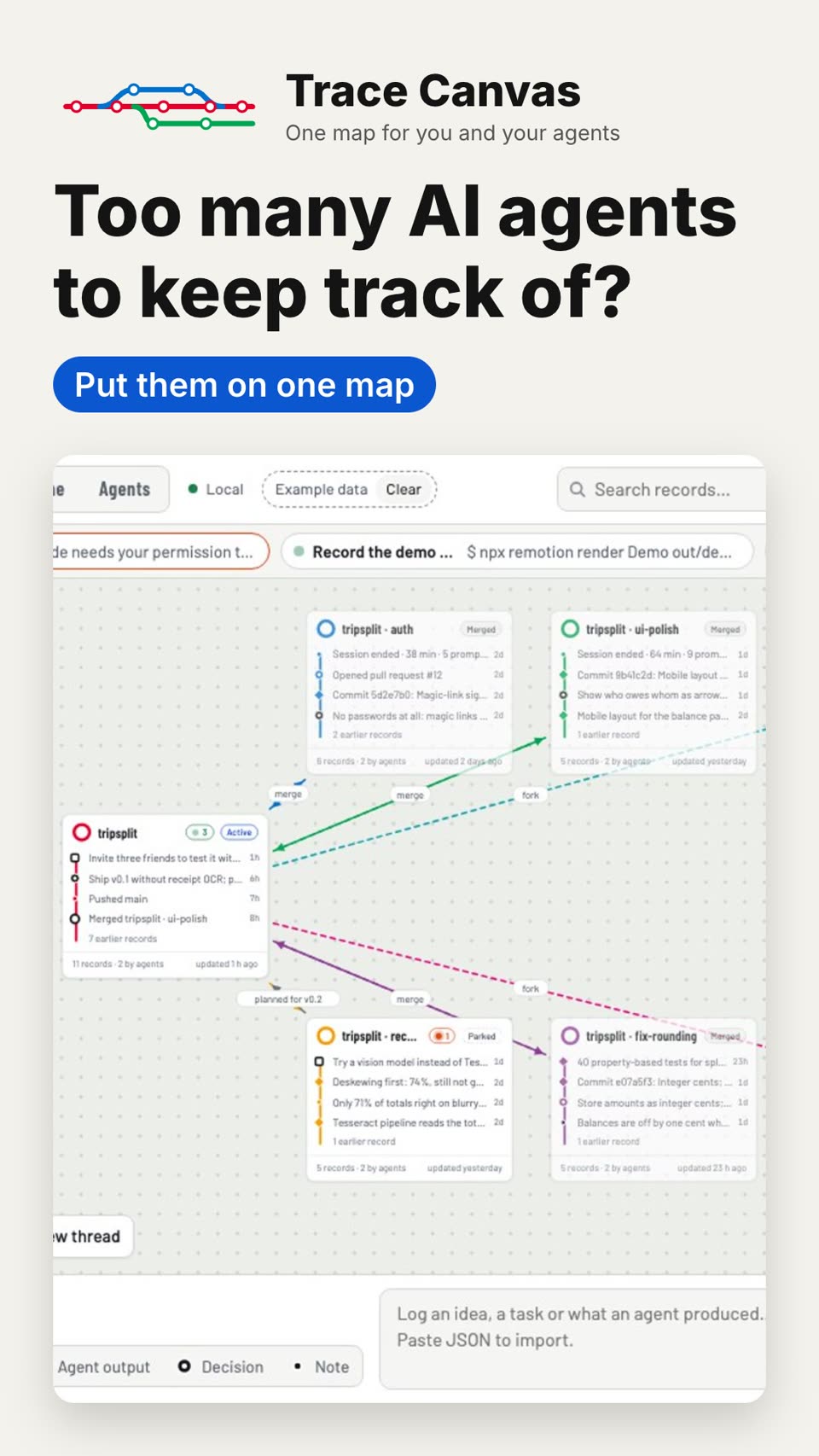
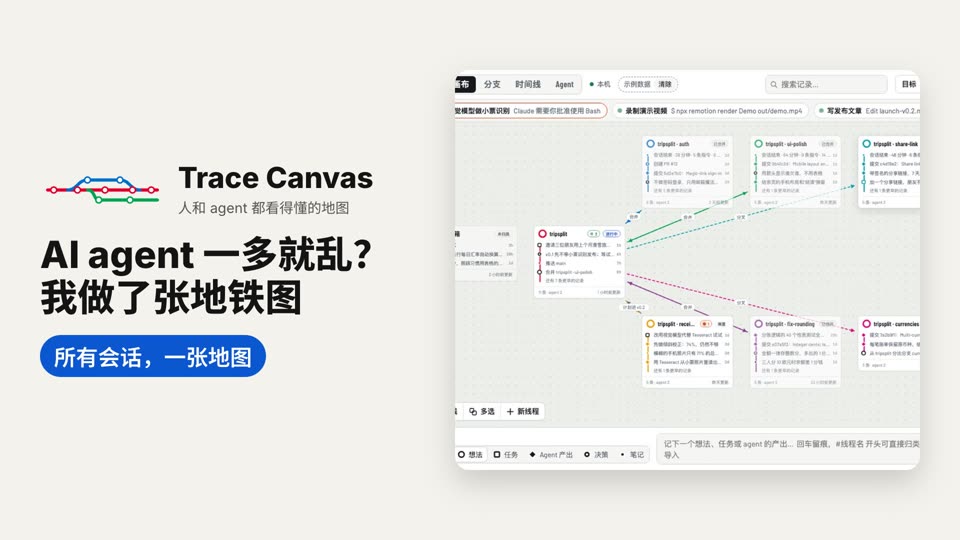
Every AI coding session becomes a line on one transit map: your instructions, edits, commits and decisions are its stations, forks and merges are drawn like git, and your agents read the same map to pick up where another left off.

每个 AI 编程会话都是同一张地铁图上的一条线:你的指令、改动、提交和决定是线上的站点,分叉与合并像 git 一样画出来,你的 agent 也读同一张图,接着别人停下的地方继续做。

Records from agents arrive on the canvas, a new session appears as its own line, and two lines are merged back. Made-up data.agent 的记录陆续出现在画布上,新会话成为一条新线路,再把两条线合并回来。虚构数据。

The tour导览

Follow the line沿着这条线走一遍

Each station is one idea. Side lines fork off and merge back, the way your sessions do.每一站讲一件事。支线分出去又合回来,就像你的会话一样。

The problem问题

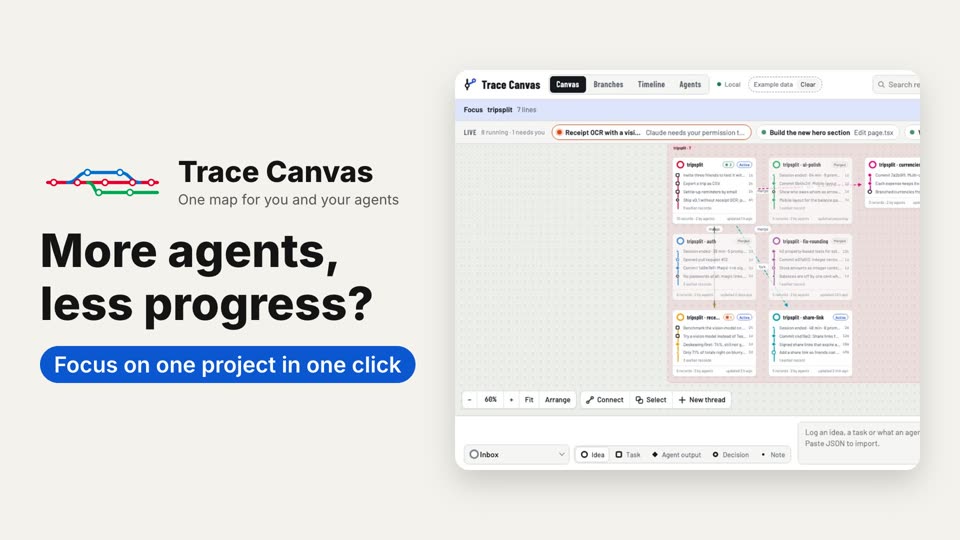
Many sessions at once, and no one remembers who did what同时开着好几个会话,谁做了什么已经说不清

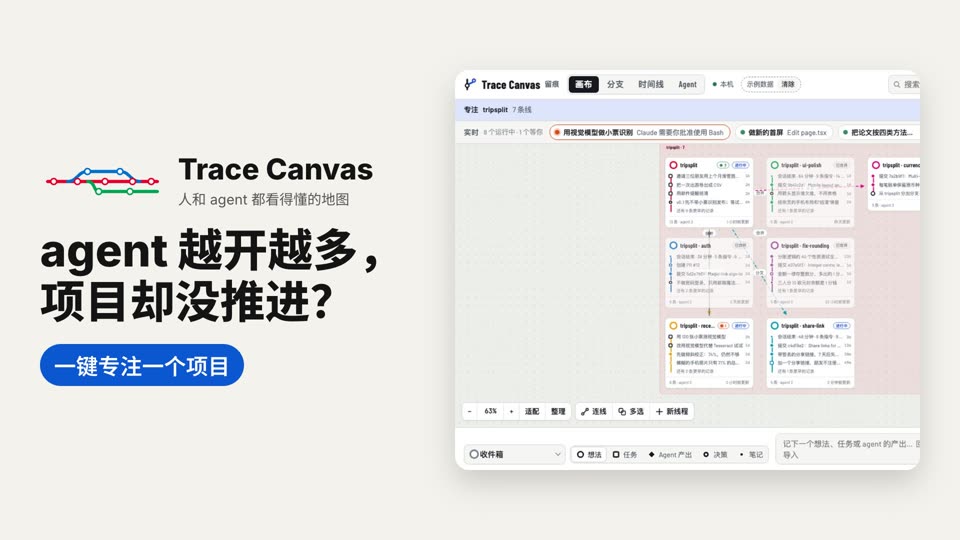
Claude Code in one window, Codex in another, a third session on the laptop. Ideas and tasks run in parallel and scatter across chats. A day later you no longer know which session did what, or how far each one got.

一个窗口里是 Claude Code,另一个是 Codex,笔记本上还开着一个会话。想法和任务并行推进,散落在各个对话里。过一天,就说不清哪个会话做了什么、各自做到了哪一步。
Lines and stations线路和站点

Every session becomes a line每个会话都是一条线

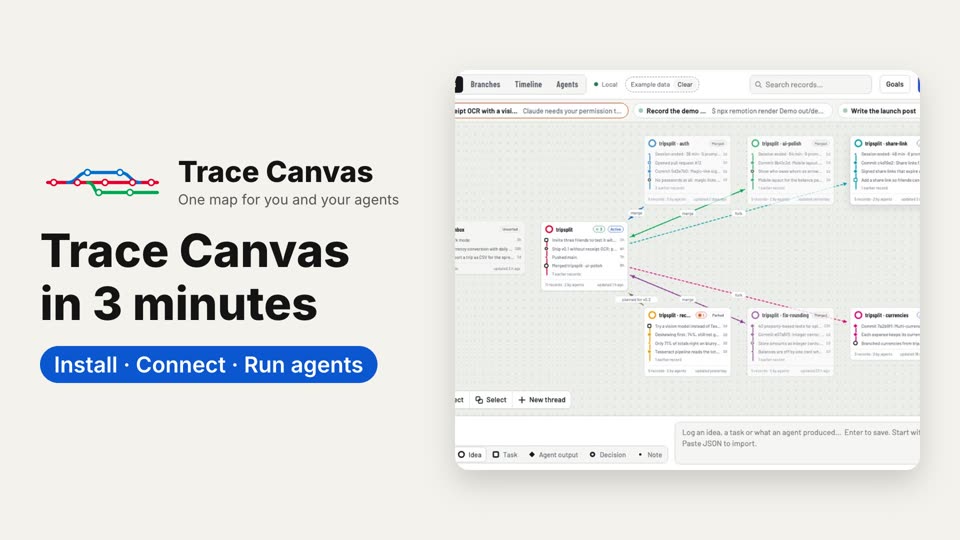
Your instructions and decisions are dark stations; the agents' edits, commits and results are stations in the line's colour. Fork a line from any station and merge it back when it is done, drawn like git.

你的指令和决定是深色站点,agent 的改动、提交和产出用线路的颜色。可以从任意站点分叉出新线,做完再合并回来,像 git 一样画出来。

Hooks draw it while you work. You do nothing.

这些由 hooks 在你工作时自动画上,你什么都不用做。

Branches: running sessions sit as live tips on top of their lines. The orange one waits for you; once approved it turns green, your decision appears dark and the agent's result in the line's colour.分支视图:正在运行的会话以线头显示在各自线路的顶端。橙色的在等你;批准后变绿,你的决定显示为深色,agent 的产出用线路的颜色。

For agents给 agent 看

Agents read the same mapagent 读同一张图

Through the MCP tools trace_list_threads and trace_read_thread, a new session catches up in seconds instead of rereading old chats, and picks up where another left off.

通过 MCP 工具 trace_list_threads 和 trace_read_thread,新会话几秒钟就能跟上进度,不用重读旧对话,接着别的会话停下的地方继续做。

A resumed session logs on its line again; the line panel lists its sessions, each with a resume command.恢复的会话接着记在原来的线上;线面板列出这条线上的会话,每个都能复制恢复命令。

Goals and to-dos目标和待办

One list for you and your agents人和 agent 共用一份清单

Write down what a line should achieve and its next steps. Agents read them with trace_tasks when they start and tick each one off with trace_task_done; the list shows who ticked it. Let them work while you are away, and come back to see where things stand.

写下一条线要达到的目标和下一步。agent 开工时用 trace_tasks 读,做完一项就用 trace_task_done 勾掉,清单上标着是谁勾的。你离开时 agent 照样推进,回来一看就知道做到哪了。

Agents tick to-dos off on the shared list, one by Claude Code and one by Codex, and the line's progress bar moves forward.agent 在共用的清单上勾掉待办:一项由 Claude Code 勾选,一项由 Codex 勾选,这条线的进度条随之前进。

Dispatch分派

One sentence, every line at work一句话,每条线都开工

Say dispatch (/trace-canvas dispatch, also from the Claude app on your phone) and each line's new to-dos go to the agent working on that line. A running session gets a message, a stopped one is resumed with its to-dos, and a line nobody works on gets a new session.

说一句「分派」(/trace-canvas dispatch,在手机上的 Claude app 里也行),每条线上新记的待办就交给正在做这条线的 agent。正在运行的会话收到消息,停了的会话带着待办恢复,没人做的线新开一个会话。

/trace-canvas dispatch hands each line's new to-do to the agent working on it, and three lines wake up: a message to the running session, a resume for the stopped one, a new session for the line nobody works on./trace-canvas dispatch 把每条线的新待办交给在做这条线的 agent,三条线随之开工:正在运行的会话收到消息,停了的会话被恢复,没人做的线新开一个会话。

On your phone在手机上

Jot ideas away from the desk离开桌子,也能随手记下

Open the canvas on your phone through Tailscale, with nothing opened to the internet. Read your lines, drop ideas and to-dos into them, and edit a line's goal right there. The agents keep running on the computer.

通过 Tailscale 在手机上打开画布,不对公网开放。看各条线、往线上记想法和待办、就地改线的目标。agent 继续在电脑上跑。

On a phone, Goals is a page of its own: tap a line's goal to change it, tap a to-do to edit it, and a half-typed to-do stays, with an Add button.在手机上,「目标」是单独的一页:点线的目标就地修改,点待办就能编辑,写到一半的待办还在,旁边多了「添加」按钮。

Several machines多台电脑

Several machines, one canvas多台电脑,同一张画布

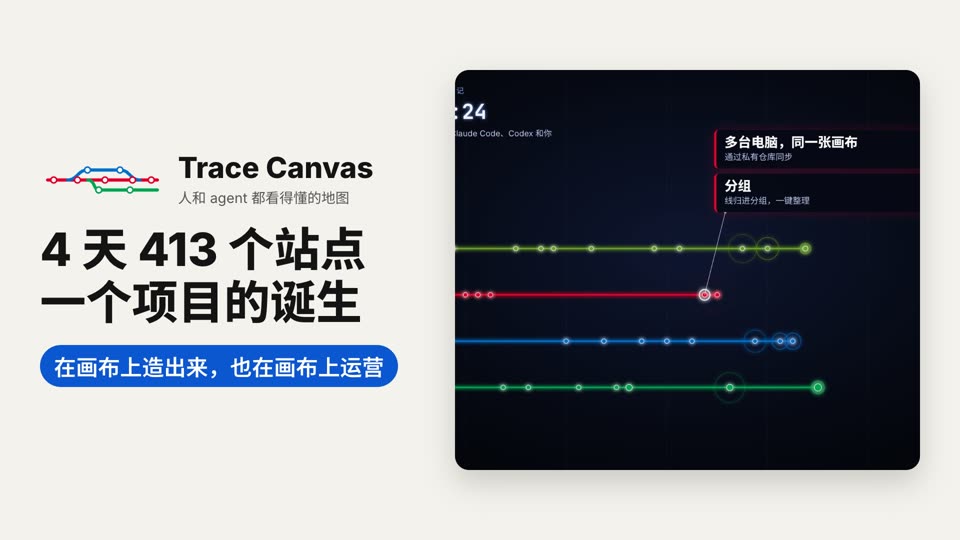
Laptop, workstation and lab PC share one canvas through a private git repository. Each machine writes only its own file, and trace-canvas sync brings in the others. Records from another machine carry its name, and their resume command runs over ssh.

笔记本、工作站和实验室电脑通过一个私有 git 仓库共用一张画布。每台机器只写自己的文件,trace-canvas sync 把其他机器的拉进来。来自别的机器的记录标着机器名,恢复命令通过 ssh 执行。

On the laptop a to-do goes to Codex; after a sync it comes back ticked by Codex, with its result marked On workstation.笔记本上把待办交给 Codex,同步之后它回来时已由 Codex 勾选,产出标着「在 workstation 上」。

Local and light本地、轻量

On your computer, at about 1% of the tokens跑在你的电脑上,只占约 1% 的 token

Node.js

Runs on your computer and needs only Node.js 18.17+. No npm install; your data stays in ~/.trace-canvas.

在你的电脑上运行,只需要 Node.js 18.17+,不用 npm install;数据留在 ~/.trace-canvas。

MIT

Open source under the MIT licence.

MIT 许可,开源。

~1%

Trace Canvas text is about 1% of a session's tokens, and that share does not grow as the canvas grows. The hooks run outside the model.

Trace Canvas 的文字约占一个会话 token 的 1%,而且不随画布变大而增长。hooks 在模型之外运行。

Short clips短片

Feature demos功能演示

A few seconds each, recorded from the real page. All data in the clips is made up.每段几秒钟,录自真实页面。片中数据都是虚构的。

All your past sessions, one map过去的会话,一张地图

Past sessions arrive on the canvas one after another, each as its own line.过去的会话一个接一个落到画布上,每个会话一条线。

Timeline时间线

Day, week and month. Each band shows when a line was active; dashed curves are forks and merges.按日、周、月查看。色带是每条线活跃的时段,虚线曲线是分叉与合并。

Agent view: who started whomAgent 视图:谁启动了谁

A session waiting for approval turns green once approved, a subagent finishes and fades, and the panel shows who started the session.等待批准的会话批准后变成绿色,子 agent 完成后变淡,面板显示这个会话由谁启动。

One click back to its window一键跳回它的对话或终端

In the Agents view, ↗ opens a session's chat in the Claude app or the Codex app, and Go to its terminal brings a Terminal session's tab to the front.在 Agent 视图里,↗ 在 Claude app 或 Codex app 里打开那次对话,「跳到终端」把终端里那个会话的标签页调到最前。

What did the agent change?agent 到底改了什么?

A commit station lists the files it changed; a click opens a diff; Compare with shows what changed since an earlier station.提交站点列出改过的文件,点文件看 diff,「对比」看与更早站点之间的改动。

Merge two lines合并两条线

A close look at one card (dark stations are yours, coloured ones the agents'), then Shift-click two lines, pick the target and Merge.先近看一张卡片(深色站点是你的,彩色的是 agent 的),再 Shift 点选两条线,选择目标后点「合并」。

Groups and Arrange分组与整理

Scattered lines go into groups, each with a frame; Arrange lays them out by group, and a group moves by its label.散乱的线放进分组,每组一个框;「整理」按分组排好,拖标签整组移动。

Mist theme雾蓝主题

More → Theme goes from light through dark to Mist, a soft blue-grey that also tones down the lines' colours; then the branches and the timeline in Mist.「更多 → 主题」从浅色、深色切到雾蓝,雾蓝把线的颜色也调柔和;再看分支和时间线在雾蓝下的样子。

Videos视频

Tutorials教程

Published videos, with narration. Each opens in a new tab.已发布的视频,带讲解。点开在新标签页播放。

End of the line终点站

Install安装

Paste this into Claude Code (or Codex):把这句话贴给 Claude Code(或 Codex):

Install Trace Canvas: clone https://github.com/CallSymmetryEcho/trace-canvas.git into ~/trace-canvas, then run node ~/trace-canvas/bin/trace-canvas.mjs setup --user (add --agents codex if Codex is installed).

安装 Trace Canvas:把 https://github.com/CallSymmetryEcho/trace-canvas.git 克隆到 ~/trace-canvas,然后运行 node ~/trace-canvas/bin/trace-canvas.mjs setup --user(装了 Codex 的话加上 --agents codex)。

Or by hand:或者手动:

git clone https://github.com/CallSymmetryEcho/trace-canvas.git ~/trace-canvas
node ~/trace-canvas/bin/trace-canvas.mjs setup --user

Then start a new Claude Code session and type /trace-canvas put all my sessions on the canvas. It puts this project's past sessions on the map and opens it at http://localhost:4777/; from then on every new session lands on it by itself.

然后新开一个 Claude Code 会话,输入 /trace-canvas 把现在所有的会话展示在画布上。它会把这个项目过去的会话放上地图,并在 http://localhost:4777/ 打开;之后每个新会话都会自动出现在上面。

Trace Canvas

Every session leaves a line.每次对话,都留下一条线。

You and your agents read the same map, so no one loses the way.你和 agent 看同一张图,谁也不迷路。